
If your WiFi says connected but the internet is not working, the problem may be with your router, device, DNS settings, or internet provider.
In this guide, we’ll go through the easiest fixes first.
Step-by-Step Solutions
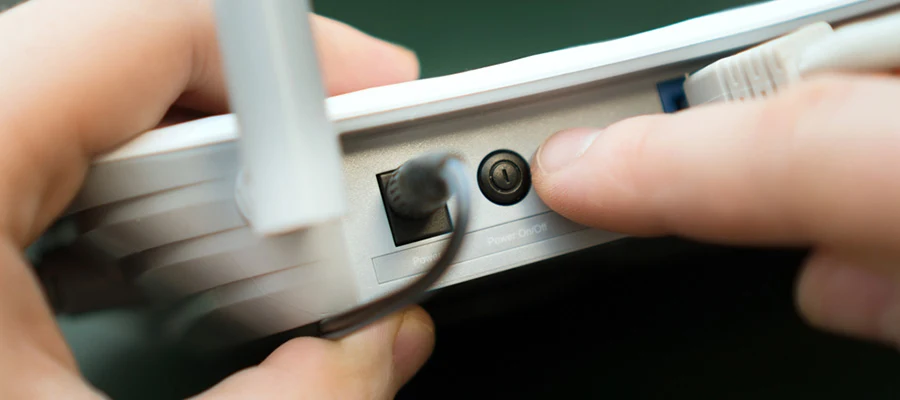
1. Restart Your Router
Turn off your router for about 30 seconds, then turn it back on.
2. Restart Your Device
Restart your phone, laptop, or computer and reconnect to WiFi.
3. Forget and Reconnect to the WiFi Network
Open your WiFi settings, forget the network, and connect again using your WiFi password.
4. Check Other Devices
Try the same WiFi connection on another device.
5. Check Your Internet Provider
If all devices have the same problem, your internet provider may be experiencing an outage.
Final Thoughts
Most WiFi connection problems can be fixed by restarting the router or reconnecting the device.